
Importing cURL in Sparrow
cURL (short for Client URL) is a lightweight command-line tool used to transfer data to or from a server. It supports a wide range of protocols, including HTTP and HTTPS, making it ideal for testing and interacting with APIs like Sparrow.
Why use cURL?
cURL is widely used by developers because it allows you to:
- Send different HTTP methods (GET, POST, PUT, DELETE)
- Add request headers (e.g., API keys, content type)
- Pass form data or raw JSON in the request body
- Easily debug and inspect API responses
Most Unix-based systems (Linux, macOS) come with cURL pre-installed. For Windows, it can be installed separately or used via Git Bash or PowerShell.
Example cURL Request
Here's a basic example of how to send a POST request to Sparrow's API:
curl -X POST https://api.sparrowapp.dev/v1/events \
  -H "Authorization: Bearer YOUR_API_KEY" \
  -H "Content-Type: application/json" \
  -d '{
    "event_type": "user_signup",
    "user_id": "12345",
    "timestamp": "2025-07-26T12:00:00Z"
  }'
Importing cURL in Sparrow
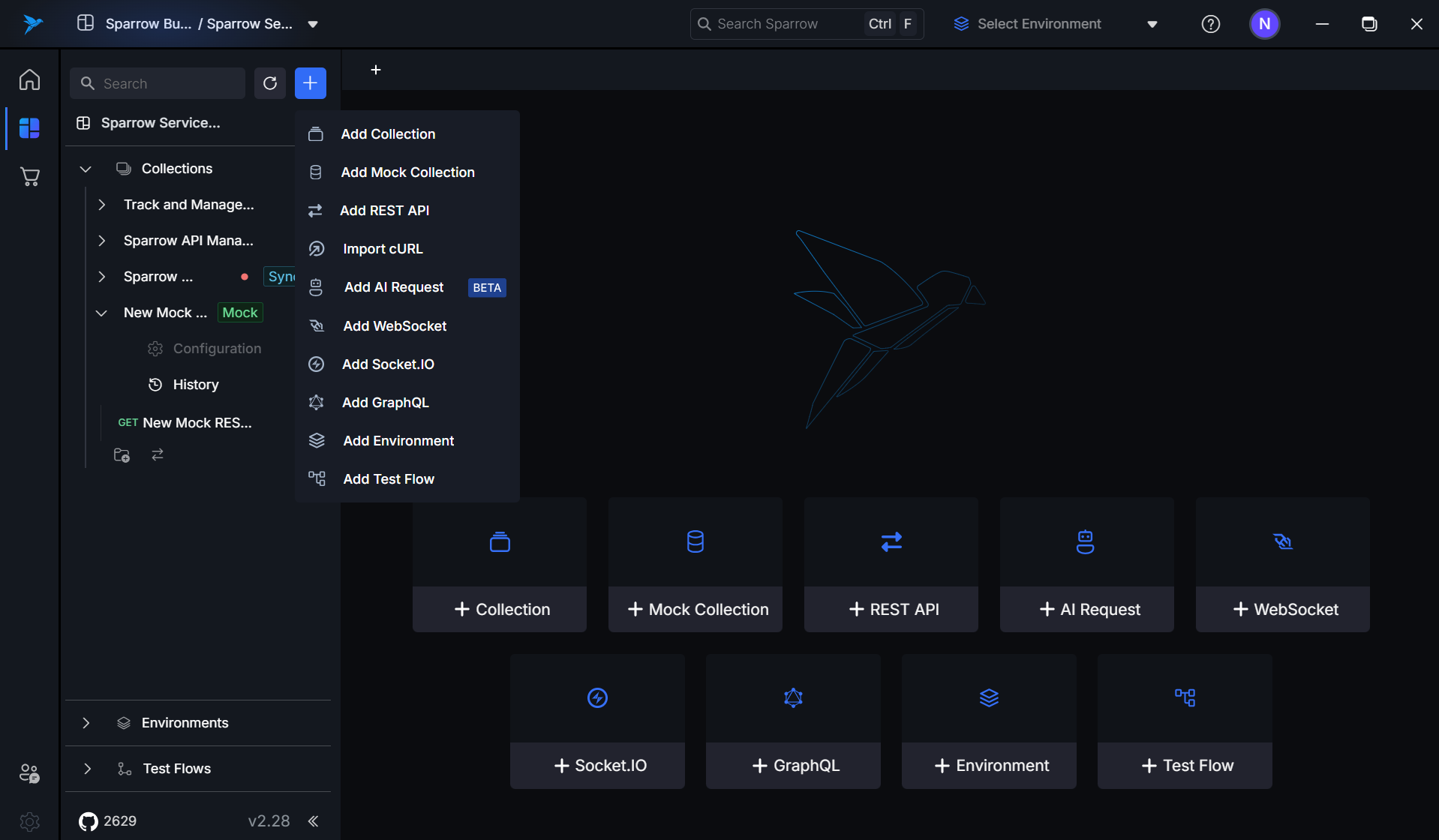
- In order to import cURL in Sparrow, select the Import cURL option post clicking the + at the top.
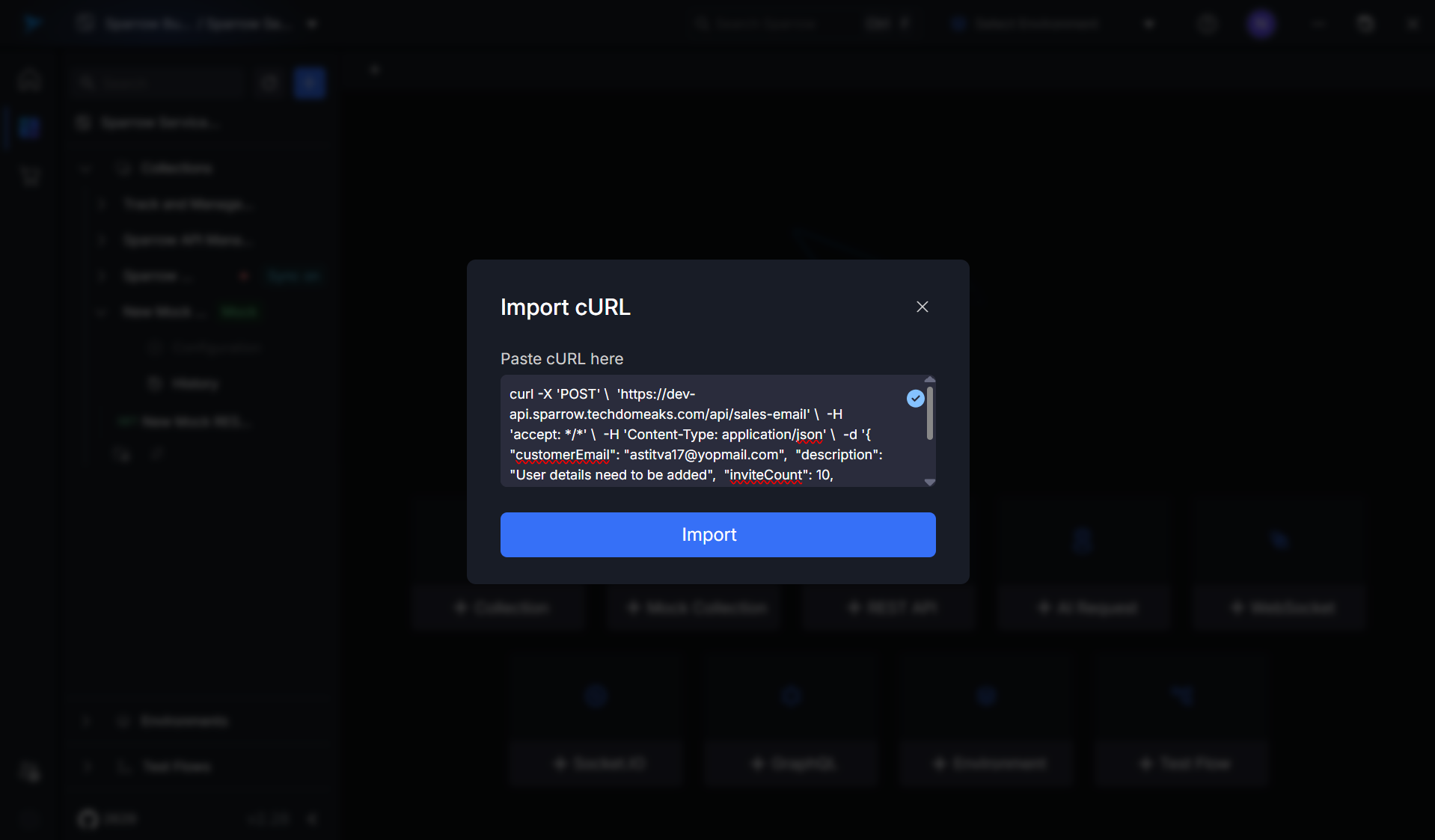
- Paste the cURL command and just click Import cURL button.
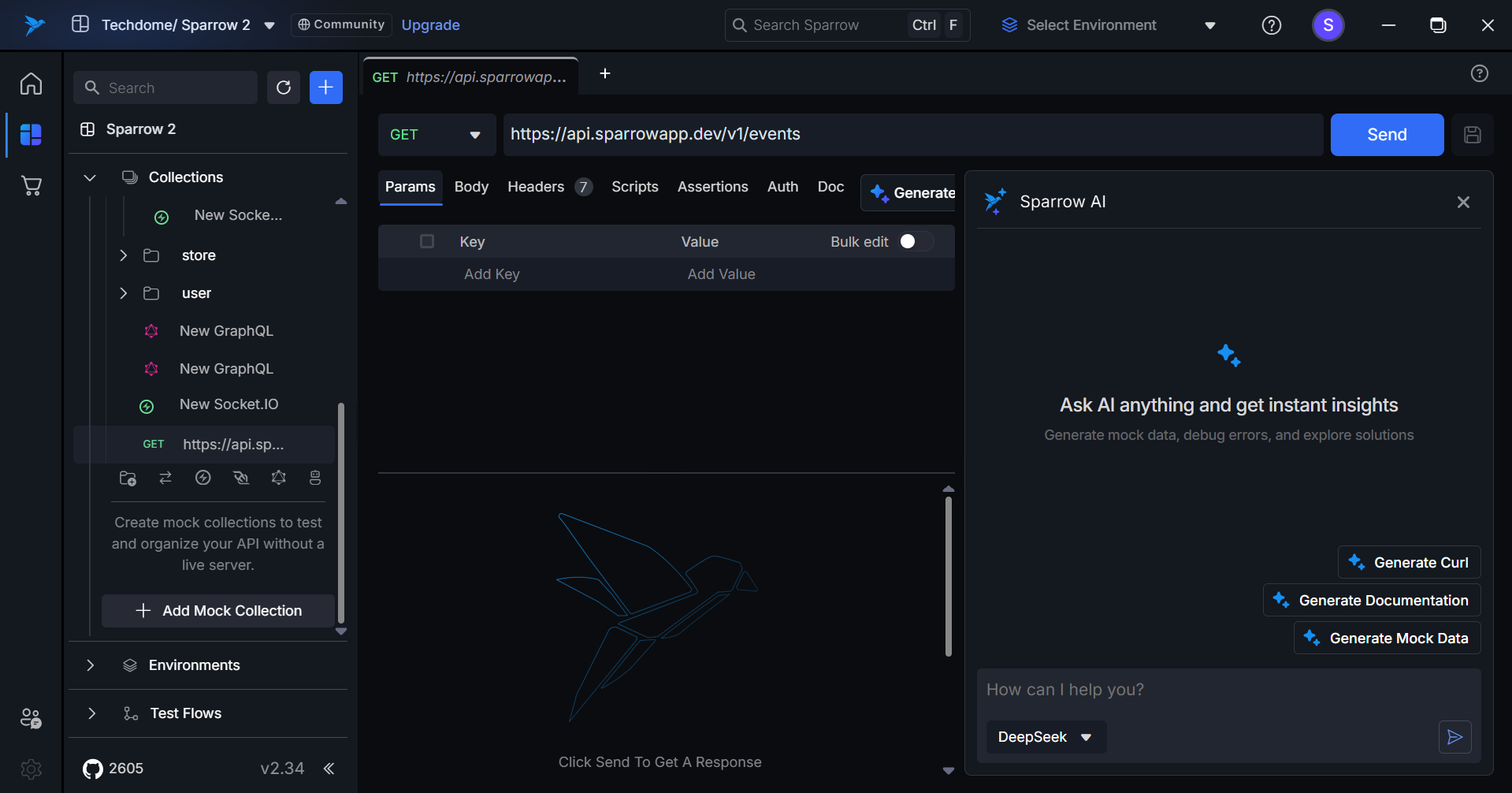
The cURL command which you provided is easily translated in to API request.